Sweetfish is a UIImageView wrapper library for removing backgrounds using Vision Framework's Image Segmentation.



| .object(objectType: .human) | .selectTouch | .selectValue(value: 12) |
|---|---|---|
 |
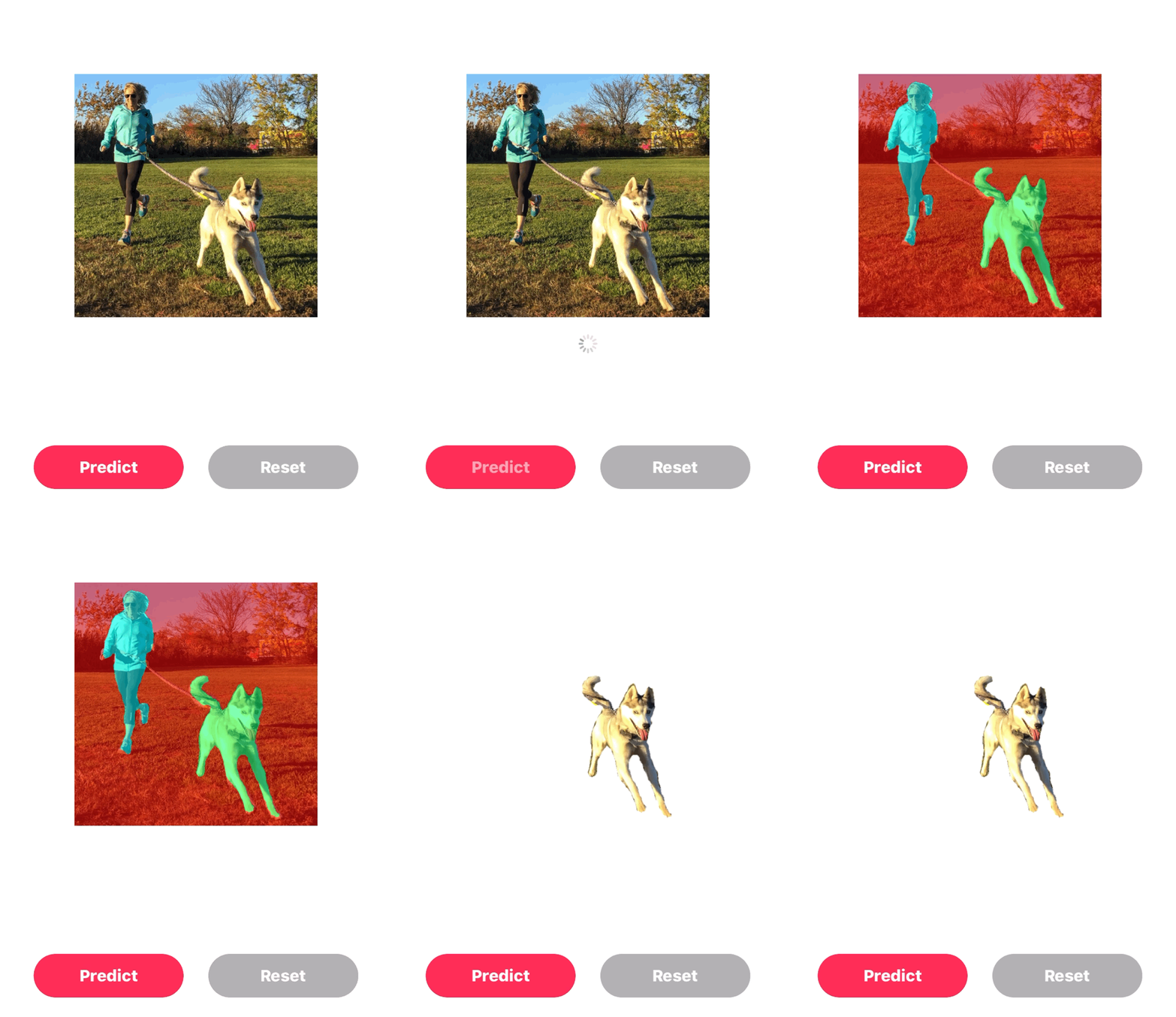 |
 |
Carthage is a decentralized dependency manager that builds your dependencies and provides you with binary frameworks. To integrate Sweetfish into your Xcode project using Carthage, specify it in your Cartfile:
github "YamatoOtaka/Sweetfish"
Run carthage bootstrap to build the framework in your repository's Carthage directory. You can then include it in your target's carthage copy-frameworks build phase. For more information on this, please see Carthage's documentation.
(see sample Xcode project in /Demo)
Content mode for SweetfishImageView must be .scaleAspectFit. Also, the default setting of Sweetfish uses the CoreMLModels provided by Apple.
let sweetfishImageView = SweetfishImageView()
sweetfishImageView.mlModelType = .deepLabV3
sweetfishImageView.contentMode = .scaleAspectFit
sweetfishImageView.image = UIImage(named: "fish")
sweetfishImageView.delegate = selfThere are 3 segmentation types for Sweetfish.
-
object : You can use this if you want to use the sampled object type.
sweetfishImageView.clipping(clippingMethod: .object(objectType: .human))
-
selectTouch : If you want to tap a segmented area to select it you can use this.
sweetfishImageView.clipping(clippingMethod: .selectTouch)
-
selectValue : If you want to segment by value you can use this
sweetfishImageView.clipping(clippingMethod: .selectValue(value: 16))
// When to use a custom Model.
sweetfishImageView.mlModelType = .custom(model: CustomMLModel)

// When you want to reject the selection.
sweetfishImageView.cancelSelectClipping()Sweetfish is distributed under the terms and conditions of the MIT license.